How to Find an Ameritas Dentist Near You (Step-by-Step)
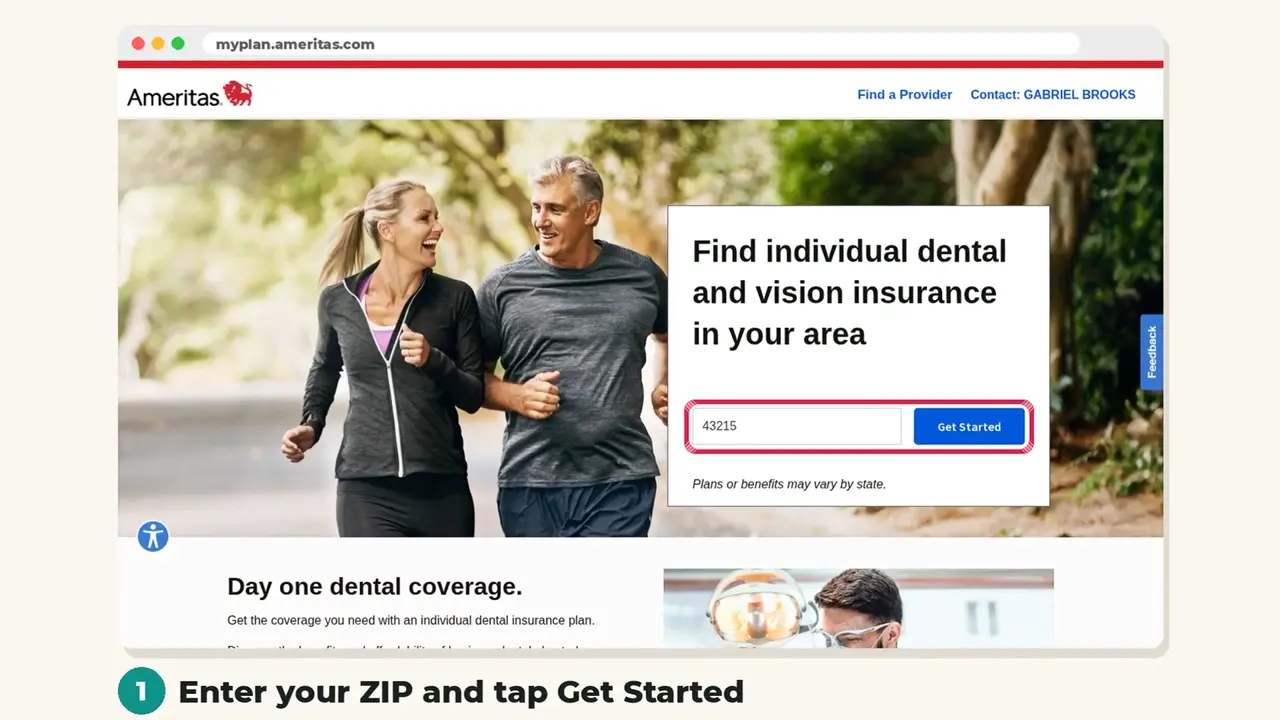
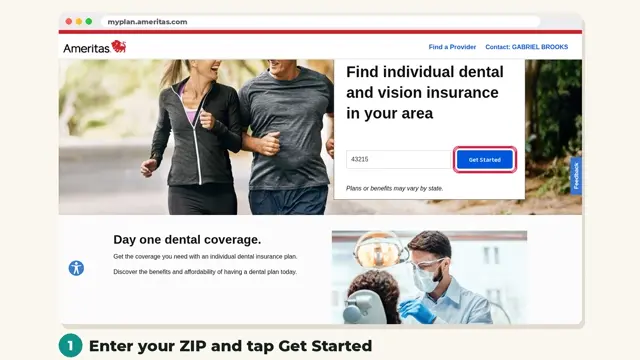
Want to know if your dentist is in network before you sign up? The Ameritas provider search takes about two minutes. Here is exactly what to tap, with screenshots of the real website.
 New video arrives Oct 31. See plans now →
Step by step
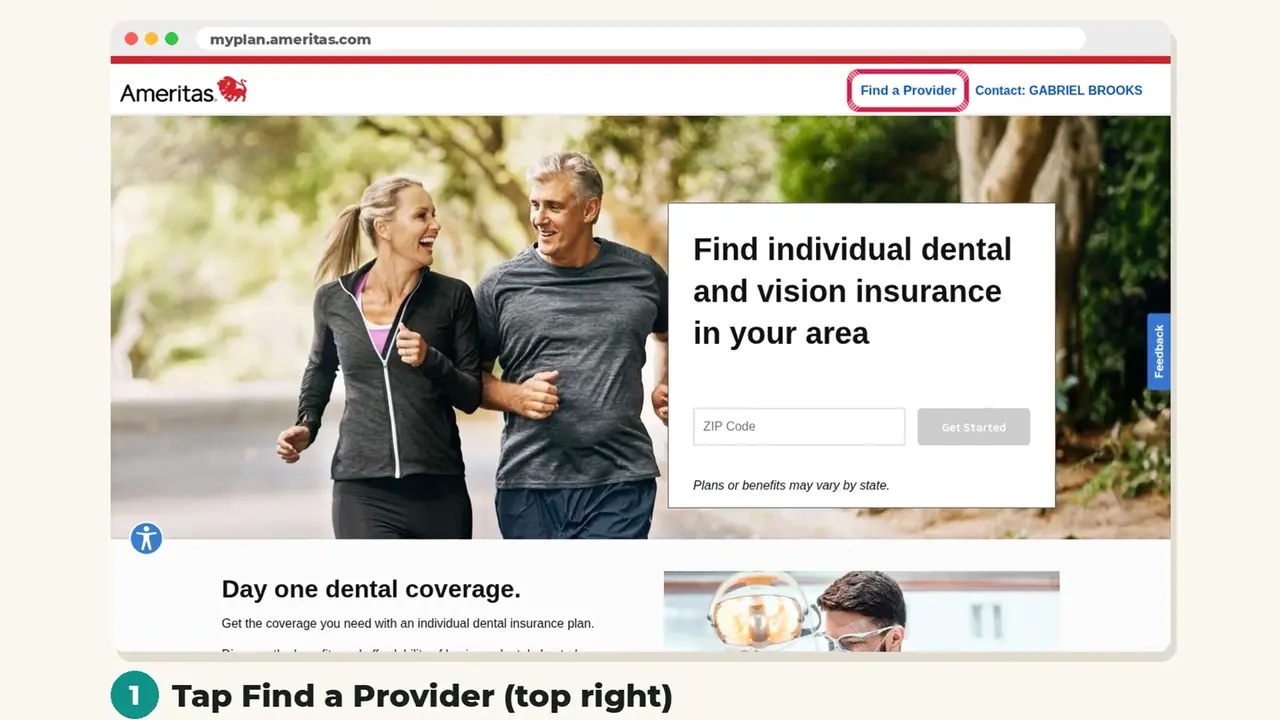
Step 1: Open the plan page and tap Find a Provider
Open the Ameritas plan page (the link on this page). In the top right corner, tap Find a Provider.

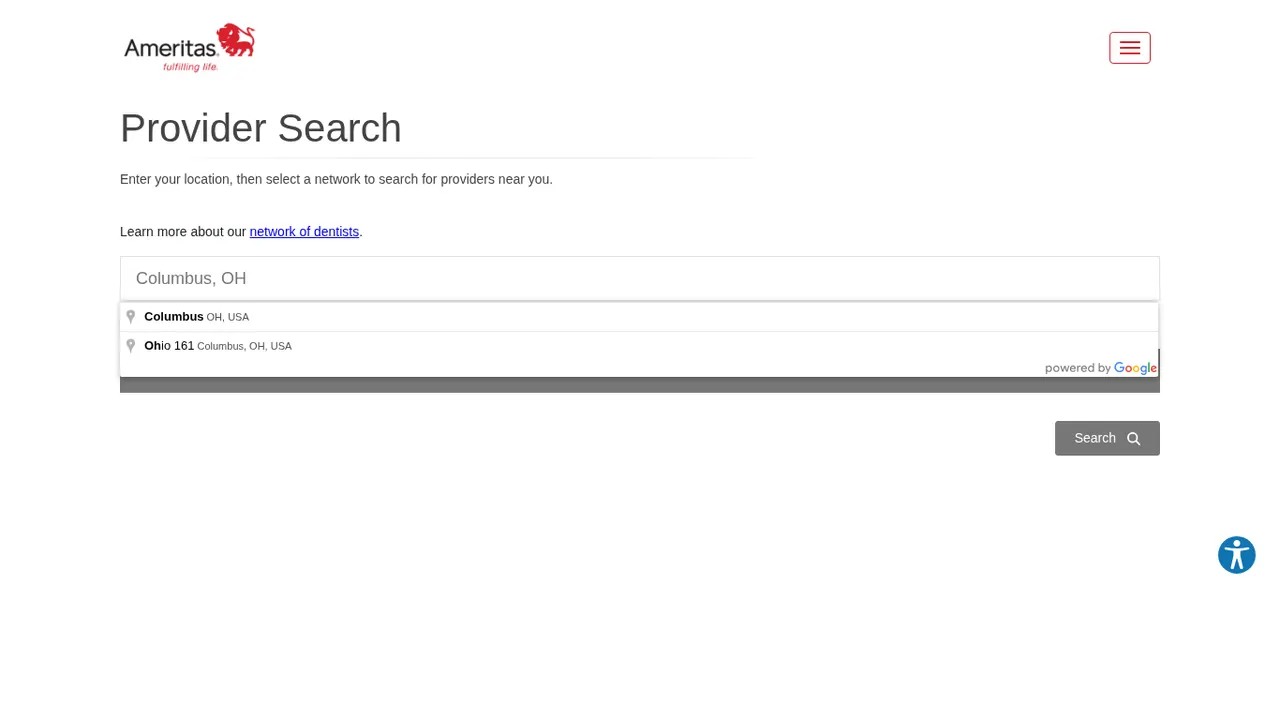
Step 2: Enter your city or ZIP code
Type your city or ZIP code in the location box and pick it from the list that appears.
Step 3: Choose General Dentist
Open Additional Filters and choose General Dentist (or the specialty you need).
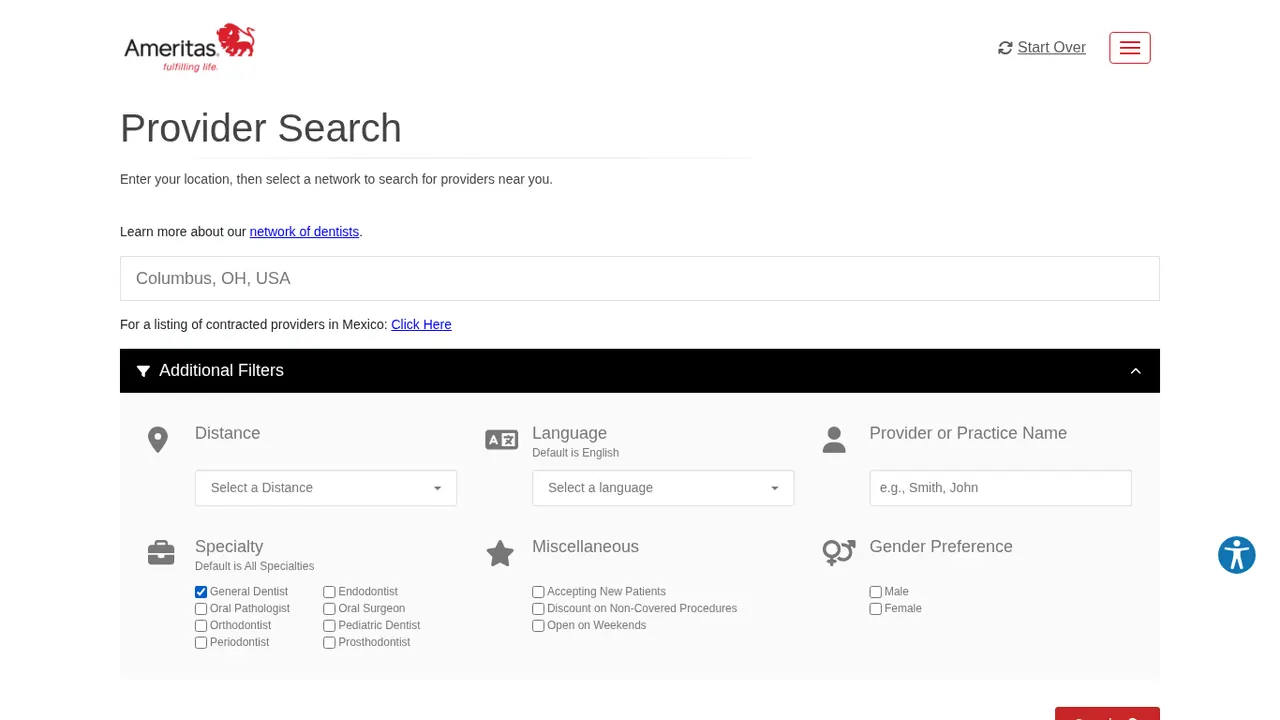
Step 4: Search and review dentists near you
Tap Search to see in-network dentists near you, with addresses and distance. Network dentists have agreed to charge 25 to 50 percent less.
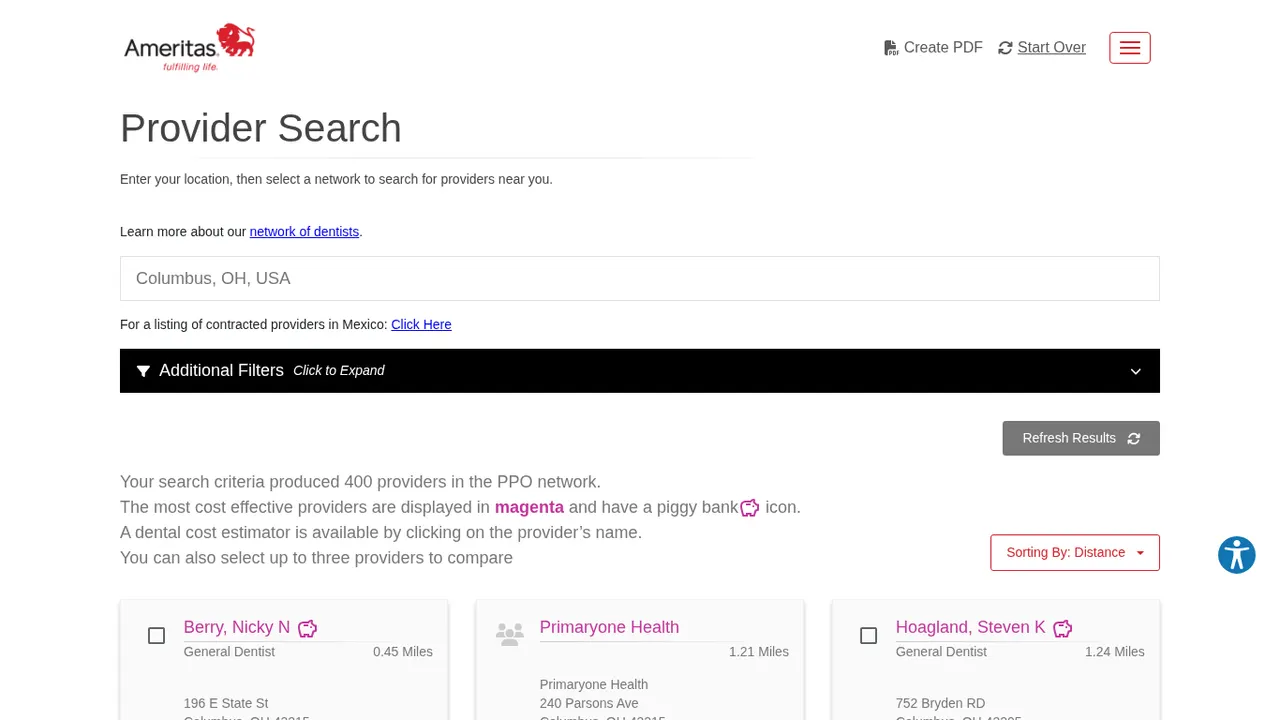
You can see any dentist on PrimeStar plans, but in-network dentists stretch your annual maximum further. Screens may change slightly over time. Plans, costs and availability vary by state.